
Security
Crypto phishing email red flags: a practical checklist
How to spot fake risk-control emails, lookalike domains, and urgency traps before you click.
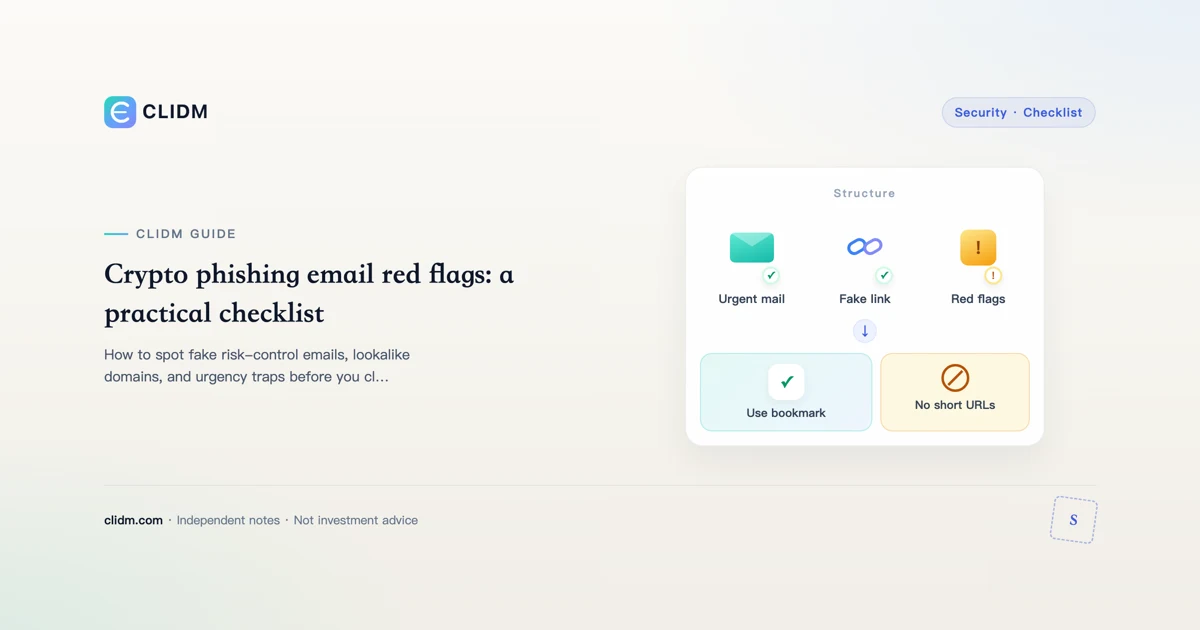
Crypto phishing email red flags: slow down before you click
Phishing emails and messages try to borrow urgency from security events: withdrawals you did not make, forced verification, “legal” threats, or too-good rewards. The goal is usually credentials, 2FA codes, seed phrases, or a malware install.
Educational only. Real incidents deserve official support paths—not inbox panic.
Hard rules that prevent most inbox losses
- Never enter a seed phrase because an email asked.
- Never send crypto to “verify” or “unlock” an account.
- Prefer authenticator 2FA over SMS when available (2FA backups).
- Open exchanges via bookmark, not message links.
- Set and check anti-phishing codes where offered.
Red flags in the message itself
- Domain lookalikes in the sender address
- Generic greetings with extreme urgency
- Attachments unexpectedly
- Threats of permanent fund loss within minutes
- Requests for 2FA codes, passwords, or seeds
- “Support” that must continue in Telegram/WhatsApp
- Prize claims requiring a prepayment
Process when a scary email arrives
- Do not click.
- Do not reply with codes.
- Open the official site via bookmark on a clean browser.
- Check security logs, devices, withdrawals, API keys.
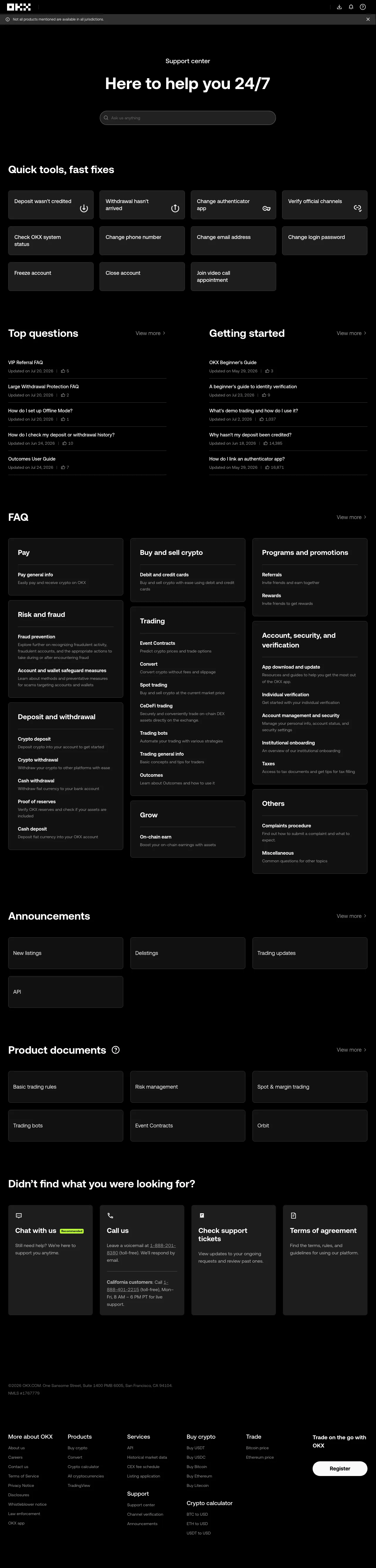
- If something is truly wrong, use official support entry points you navigate to yourself.
After you already clicked
Assume compromise until proven otherwise:
- Change passwords from a clean device
- Revoke sessions
- Rotate 2FA
- Review whitelist and API keys
- Enable stronger withdrawal protections
- Run device malware checks
See account security checklist and device hygiene.
SMS and push variants
Phishing is not email-only. SIM-swap risk makes SMS 2FA weaker. Push notification fatigue can make people approve bad logins—use number-matching features when available and deny unexpected prompts.
Attachments and “invoice” malware
Unexpected PDFs and office docs remain a classic payload path. If you did not request the document, delete it. Finance machines should not be casual download machines.
Coordination with social scams
Email often pairs with social impersonation and fake apps. The story is multi-channel; your defense is multi-layer.
Related reading
Family briefing script (short)
Write three lines for non-technical family: (1) we never send codes to email or chat; (2) we only open the exchange from a bookmark; (3) unexpected money fear messages are usually attacks. Practice once. Social engineering loves the least trained household member.
Bottom line
Fear is the payload delivery system. If a message needs you to act before you can open a bookmark, the message is the attack.
Case patterns (composites for recognition)
Pattern A — fake withdrawal alert. Email claims an unauthorized withdrawal, links to a clone login, harvests password + 2FA, then performs a real withdrawal. Defense: bookmark check first; if no real withdrawal exists in official history, it was bait.
Pattern B — legal / freeze threat. Message cites regulations and demands immediate document upload via a form. Defense: official support never needs seed phrases; documents go only through in-account flows you open yourself.
Pattern C — reward prepayment. “Claim fee refund / airdrop” requires a small crypto send first. Defense: legitimate refunds do not start with you paying strangers.
Email account is part of exchange security
If your email is weak, exchange 2FA can be reset out from under you on some recovery paths. Unique email passwords, authenticator on email, and recovery codes for email matter as much as exchange settings. Treat email as tier-0 infrastructure.
Quiet habits that compound
- Prefer plain-text or careful HTML rendering that shows raw links
- Disable automatic download of remote images if your client allows
- Separate a dedicated browser profile for finance
- When traveling, be twice as slow with mobile mail clients
Speed is how phishing wins; slowness is a control.
10-minute weekly inbox drill
- Open three recent “security” messages without clicking links.
- Expand full sender addresses.
- Check whether any show your anti-phishing marker if you use one.
- Practice the bookmark path once while calm.
- Delete bait; do not “unsubscribe” on unknown senders.
Drills build muscle memory before adrenaline arrives.
Browser and device pairing
Phishing success often needs a messy device. Keep a finance browser profile with few extensions, and refuse “update your wallet” installers from mail. See spot fake apps and device hygiene.
If money already moved
Stop further sends. Collect TXIDs. Change credentials from a clean device. Review whitelist and API keys. Contact official support only via bookmark. Ignore recovery agents in replies to your public posts. Document for yourself; do not paste seeds anywhere.
Related
Personal phishing SLA
Commit to a service level for yourself: no security-sensitive clicks within 15 minutes of receiving a scary message. Walk, bookmark, then decide. That single rule eliminates a large fraction of successful phish.
Multi-channel phishing same day
Attackers often send email, then SMS, then a social DM with the same story. Consistency across channels is not proof of legitimacy—it is proof of a campaign. Your response should still start with a bookmark you created earlier, not with any of the inbound messages.